
Pre & Post
Processing
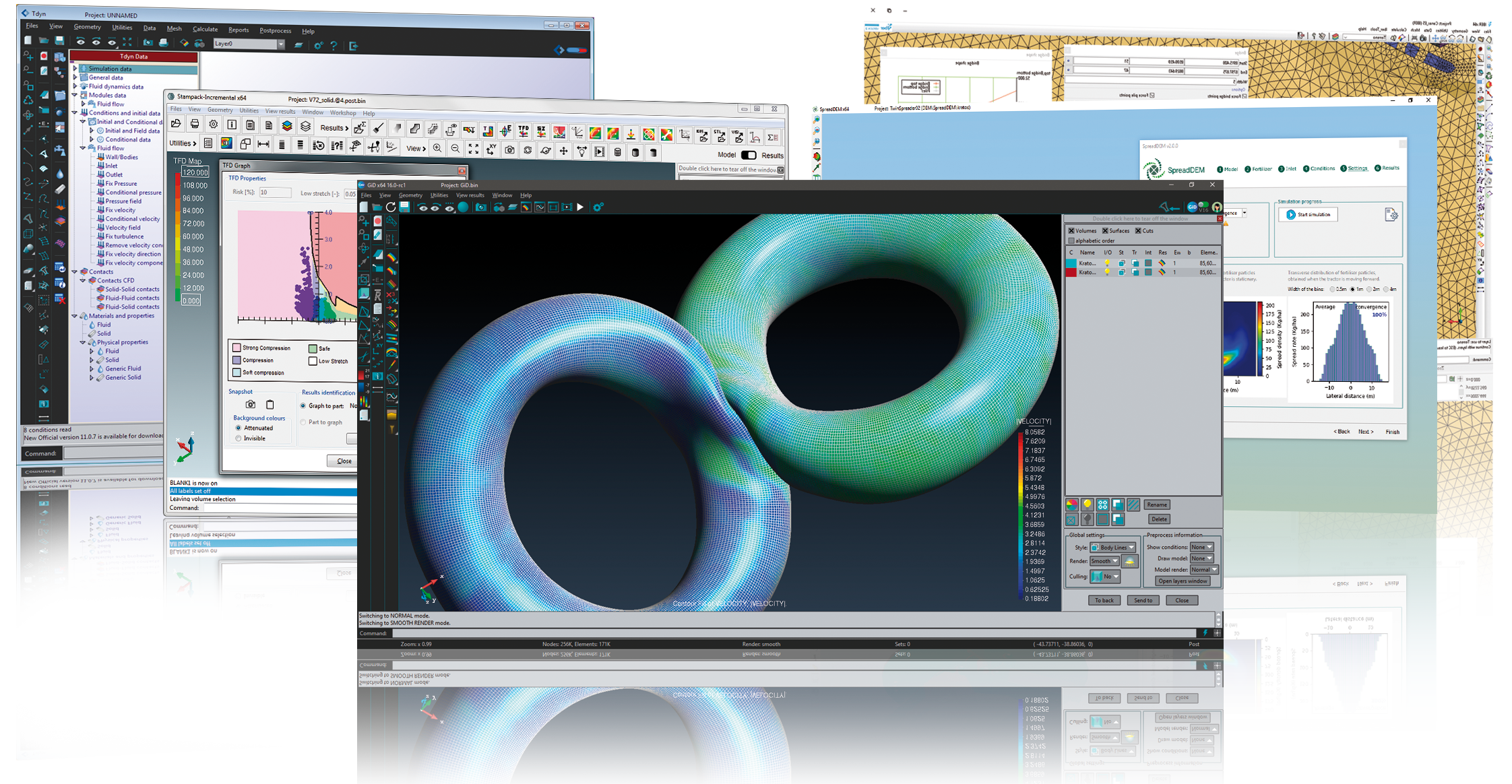
Designed to cover all the common needs in the numerical simulation field from pre to post processing, geometrical modelling, effective definition of data analysis, meshing data transformer to analysis software, as well as the analysis and visualization of numeric results.

Choose your
GiD Solution
Whether you work in education, research, science or industry within GiD you will find specific solutions for your needs.

Customization
GiD
The input and output formats can be customized and the calculation program can be started, monitored and completed from within GiD. The different menus can be tailored to fit any specific needs, even the whole graphical user interface (GUI) can be redesigned.